
Microsoft is killing off a little-known Kindle feature that let Microsoft Word users send documents straight to their e-reader with a single click. The Send to Kindle integration will stop working in February 2026, likely due to low adoption, though users can still upload Word files using Amazon’s web-based Send to Kindle tool.
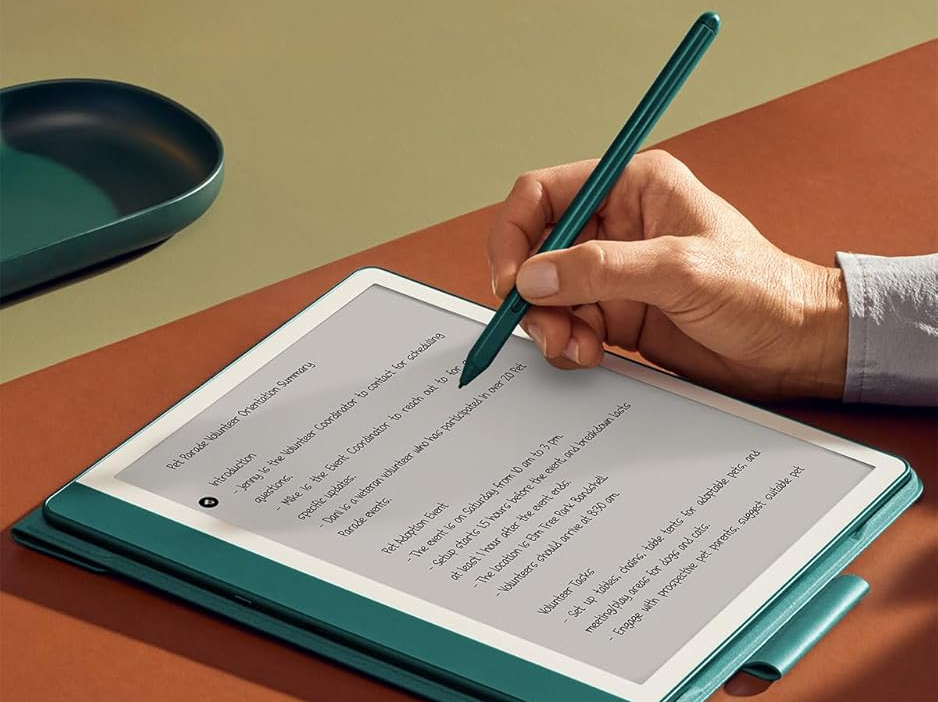
Starting early February, you won’t be able to send Word documents from within Microsoft Word to your Kindle e-reader. The feature, dubbed Send to Kindle from Microsoft Word, was introduced back in April 2023 as a handy tool for Microsoft 365 users to directly send documents to their Kindle library. While it was made available to all Kindle models, it worked particularly well on the stylus-equipped Kindle Scribe, allowing users to write annotations directly on documents.
As first spotted by Good Ereader, Microsoft has quietly updated its support page to highlight that the Send to Kindle feature is going away beginning February 9, 2026, across all platforms, including web, Windows (Win32), and Mac.
Neither Microsoft nor Amazon has offered an explanation for the deprecation, but the move suggests the feature saw little real-world usage. Given how quietly it launched and how little awareness it seemed to generate, it’s likely the integration never gained meaningful adoption and was ultimately deemed unworthy of continued development and maintenance.
The good news is that you will still be able to send .doc or .docx format files using Amazon’s Send to Kindle web service, which has long allowed users to send a wide range of file types to their Kindle library. That includes everything from popular ebook formats such as Epub and PDF to TXT, RTF, HTML, PNG, JPG, JPEG, and GIF.
Related Articles

Kishan Vyas – Tech Editor – 8 articles published on Notebookcheck since 2025
Kishan Vyas is a News Editor at Notebookcheck. He has spent over eight years covering the consumer tech industry, previously writing for publications like XDA-Developers and How-To Geek.
He’s written more than 1,800 articles spanning breaking news, in-depth explainers, hands-on hardware reviews, and buying guides, with a particular focus on smartphones, platforms, and the Android ecosystem.
At Notebookcheck, Kishan covers the latest AI developments, display technology, productivity, the AR/VR industry, audio gear, new wireless standards and protocols, among other topics.
Kishan began his career in 2016 as a news writer at XDA Developers, where he covered smartphone launches, Google’s software and hardware roadmap, and upcoming Android features. He later became part of XDA’s Evergreen team, expanding its long-form coverage by pitching, writing, editing, and updating hundreds of how-tos, comparisons, reviews, and editorials.
Kishan Vyas, 2026-01- 9 (Update: 2026-01- 9)