

Image: Pexels: Andrea Piacquadio
I have a lot of apps loaded that do different things. But I still find occasionally I’ll need to do something that none of my apps can provide. Whether that’s converting a PDF to an image or converting image types, it’s hard to get an app to do everything all in one place. That’s why I use McStumble.com.
This website was created to provide accessible tools that work in your browser. It provides a bunch of utilities that you can access on a need-to-use basis which means you don’t have to download or install files. Whether you’re a developer, content creator or student, the collection of tools will simplify your digital workflow and help you accomplish more in less time.
What kinds of tools can you access? You can find text tools, image tools, design tools, developer tools, PDF tools and productivity tools. You can find everything from a text case converter for changing the case of text in a document to an image resizer and cropper for quickly resizing and cropping images.
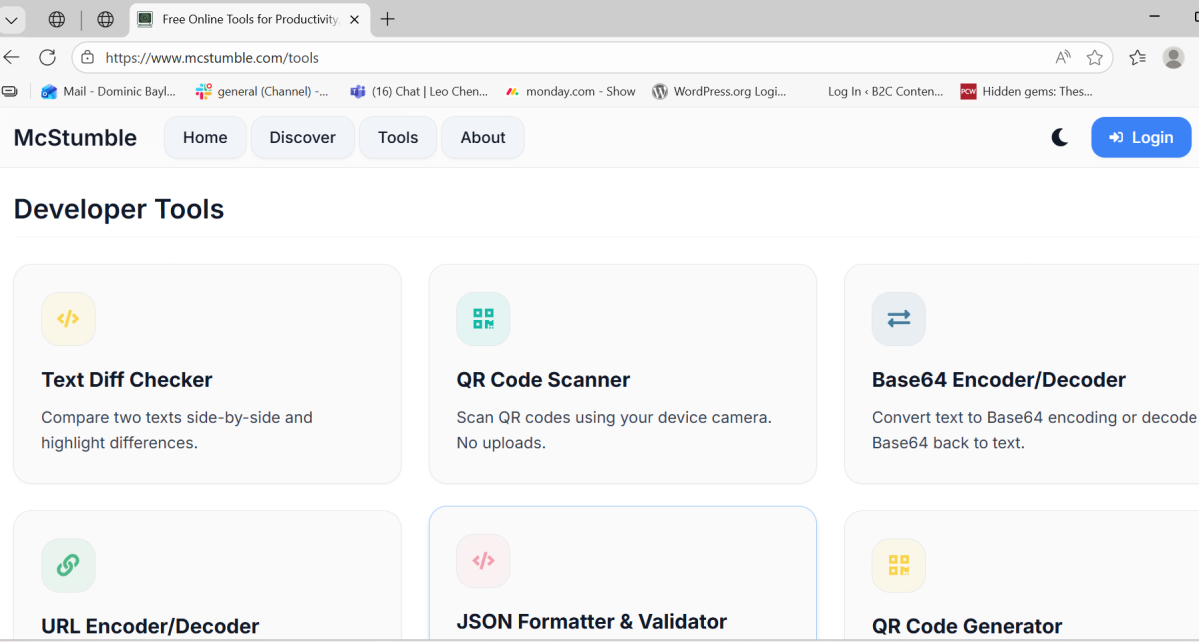
Dominic Bayley / Foundry
The PDF tools are particularly handy. I find myself frequently using the Merge PDF tool and the Extract pages from a pdf tool. The website runs the tools client-side too, which means your privacy is kept in check if working with sensitive information.
That’s all we have for this recommendation. If you’d like more recommendations like this one, be sure to subscribe to our PCWorld Try This newsletter.
Author: Dominic Bayley, Australian Editor, PCWorld
Based in Australia, Dominic Bayley is a hardcore tech enthusiast. His PCWorld focus is on PC gaming hardware: laptops, mice, headsets and keyboards.